Documentation
Build with every generator
Every generator is an HTTP address — reachable from your code or from a desktop on the same account and the same credits.
- addresses
- 401
- namespaces
- 16
- languages to read an example in
- 11
$ npm install @auray/client$ export AURAY_API_KEY=auray_sk_…$ node render.mjs IN_QUEUE → IN_PROGRESS COMPLETED · charged on accept → assets[0].url


Start here
Pick a path
One request, 11 languages
Your first render, in your language
The same call in cURL, both SDKs, an MCP tool call and 7 more languages. Pick one and every example in these docs follows it.
curl -X POST https://queue.auray.run/auray-ai/krea-2-turbo/text-to-image \
  -H "Authorization: Bearer $AURAY_API_KEY" \
  -H "content-type: application/json" \
  -d '{
  "prompt": "a brass orrery on a walnut desk, morning light",
  "aspect_ratio": "16:9",
  "resolution": 1024
}'
import { createClient } from "@auray/client";
const auray = createClient(); // reads AURAY_API_KEY
const result = await auray.subscribe("auray-ai/krea-2-turbo/text-to-image", {
input: {
"prompt": "a brass orrery on a walnut desk, morning light",
"aspect_ratio": "16:9",
"resolution": 1024
},
onQueueUpdate: (update) => console.log(update.status),
});
console.dir(result, { depth: null });from auray_client import Client
auray = Client() # reads AURAY_API_KEY
result = auray.subscribe(
"auray-ai/krea-2-turbo/text-to-image",
input={
"prompt": "a brass orrery on a walnut desk, morning light",
"aspect_ratio": "16:9",
"resolution": 1024
},
on_queue_update=lambda update: print(update["status"]),
)
print(result){
"jsonrpc": "2.0",
"id": 1,
"method": "tools/call",
"params": {
"name": "run_model",
"arguments": {
"address": "auray-ai/krea-2-turbo/text-to-image",
"input": {
"prompt": "a brass orrery on a walnut desk, morning light",
"aspect_ratio": "16:9",
"resolution": 1024
}
}
}
}const res = await fetch("https://queue.auray.run/auray-ai/krea-2-turbo/text-to-image", {
method: "POST",
headers: {
Authorization: `Bearer ${process.env.AURAY_API_KEY}`,
"content-type": "application/json",
},
body: JSON.stringify({
"prompt": "a brass orrery on a walnut desk, morning light",
"aspect_ratio": "16:9",
"resolution": 1024
}),
});
console.log(await res.json());import os, requests
r = requests.post(
"https://queue.auray.run/auray-ai/krea-2-turbo/text-to-image",
headers={"Authorization": f"Bearer {os.environ['AURAY_API_KEY']}"},
json={
"prompt": "a brass orrery on a walnut desk, morning light",
"aspect_ratio": "16:9",
"resolution": 1024
},
)
r.raise_for_status()
print(r.json())package main
import (
"bytes"
"fmt"
"io"
"net/http"
"os"
)
func main() {
body := []byte(`{
"prompt": "a brass orrery on a walnut desk, morning light",
"aspect_ratio": "16:9",
"resolution": 1024
}`)
req, err := http.NewRequest("POST", "https://queue.auray.run/auray-ai/krea-2-turbo/text-to-image", bytes.NewReader(body))
if err != nil {
panic(err)
}
req.Header.Set("Authorization", "Bearer "+os.Getenv("AURAY_API_KEY"))
req.Header.Set("Content-Type", "application/json")
res, err := http.DefaultClient.Do(req)
if err != nil {
panic(err)
}
defer res.Body.Close()
out, _ := io.ReadAll(res.Body)
fmt.Println(res.Status, string(out))
}<?php
$ch = curl_init("https://queue.auray.run/auray-ai/krea-2-turbo/text-to-image");
curl_setopt_array($ch, [
CURLOPT_CUSTOMREQUEST => "POST",
CURLOPT_RETURNTRANSFER => true,
CURLOPT_HTTPHEADER => [
"Authorization: Bearer " . getenv("AURAY_API_KEY"),
"Content-Type: application/json",
],
CURLOPT_POSTFIELDS => json_encode([
"prompt" => "a brass orrery on a walnut desk, morning light",
"aspect_ratio" => "16:9",
"resolution" => 1024,
], JSON_UNESCAPED_SLASHES | JSON_UNESCAPED_UNICODE),
]);
$response = curl_exec($ch);
echo curl_getinfo($ch, CURLINFO_HTTP_CODE), " ", $response, PHP_EOL;require "net/http"
require "json"
uri = URI("https://queue.auray.run/auray-ai/krea-2-turbo/text-to-image")
req = Net::HTTP::Post.new(uri)
req["Authorization"] = "Bearer #{ENV.fetch("AURAY_API_KEY")}"
req["Content-Type"] = "application/json"
req.body = {
"prompt" => "a brass orrery on a walnut desk, morning light",
"aspect_ratio" => "16:9",
"resolution" => 1024
}.to_json
res = Net::HTTP.start(uri.hostname, uri.port, use_ssl: true) { |http| http.request(req) }
puts res.code, res.bodyimport java.net.URI;
import java.net.http.HttpClient;
import java.net.http.HttpRequest;
import java.net.http.HttpResponse;
public class Main {
public static void main(String[] args) throws Exception {
String body = """
{
"prompt": "a brass orrery on a walnut desk, morning light",
"aspect_ratio": "16:9",
"resolution": 1024
}""";
HttpRequest request = HttpRequest.newBuilder()
.uri(URI.create("https://queue.auray.run/auray-ai/krea-2-turbo/text-to-image"))
.header("Authorization", "Bearer " + System.getenv("AURAY_API_KEY"))
.header("Content-Type", "application/json")
.method("POST", HttpRequest.BodyPublishers.ofString(body))
.build();
HttpResponse<String> response = HttpClient.newHttpClient()
.send(request, HttpResponse.BodyHandlers.ofString());
System.out.println(response.statusCode() + " " + response.body());
}
}using System.Net.Http.Headers;
using System.Text;
using var client = new HttpClient();
client.DefaultRequestHeaders.Authorization =
new AuthenticationHeaderValue("Bearer", Environment.GetEnvironmentVariable("AURAY_API_KEY"));
using var request = new HttpRequestMessage(HttpMethod.Post, "https://queue.auray.run/auray-ai/krea-2-turbo/text-to-image");
var body = """
{
"prompt": "a brass orrery on a walnut desk, morning light",
"aspect_ratio": "16:9",
"resolution": 1024
}
""";
request.Content = new StringContent(body, Encoding.UTF8, "application/json");
using var response = await client.SendAsync(request);
Console.WriteLine($"{(int)response.StatusCode} {await response.Content.ReadAsStringAsync()}");Model catalogue
Every model is an address
Each has its own page: what it takes, its rules, and the example in every language.

 KreaIn the apps2 Turbo · auray-ai/krea-2-turbo/text-to-imageText to image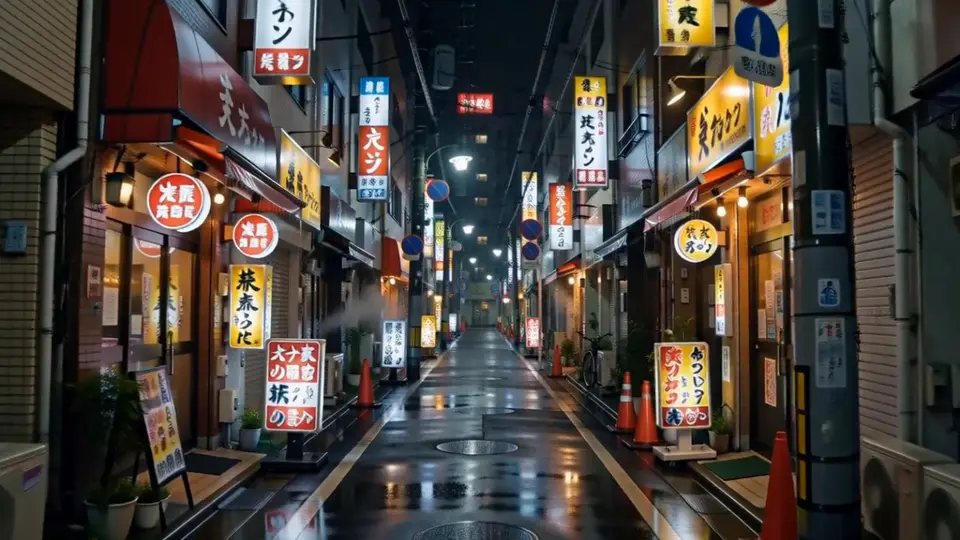
 MiniMaxIn the appsH3 · auray-ai/minimax-h3/text-to-videoText to video
 TencentIn the appsHunyuan3D OmniImage to 3D
 AlibabaQwen-Image-2.0Text to imageAlibabaWan2.7 Image ProText to imageAlibabaZ-Image-TurboText to image
 Black Forest LabsFLUX.1 [dev]Text to image
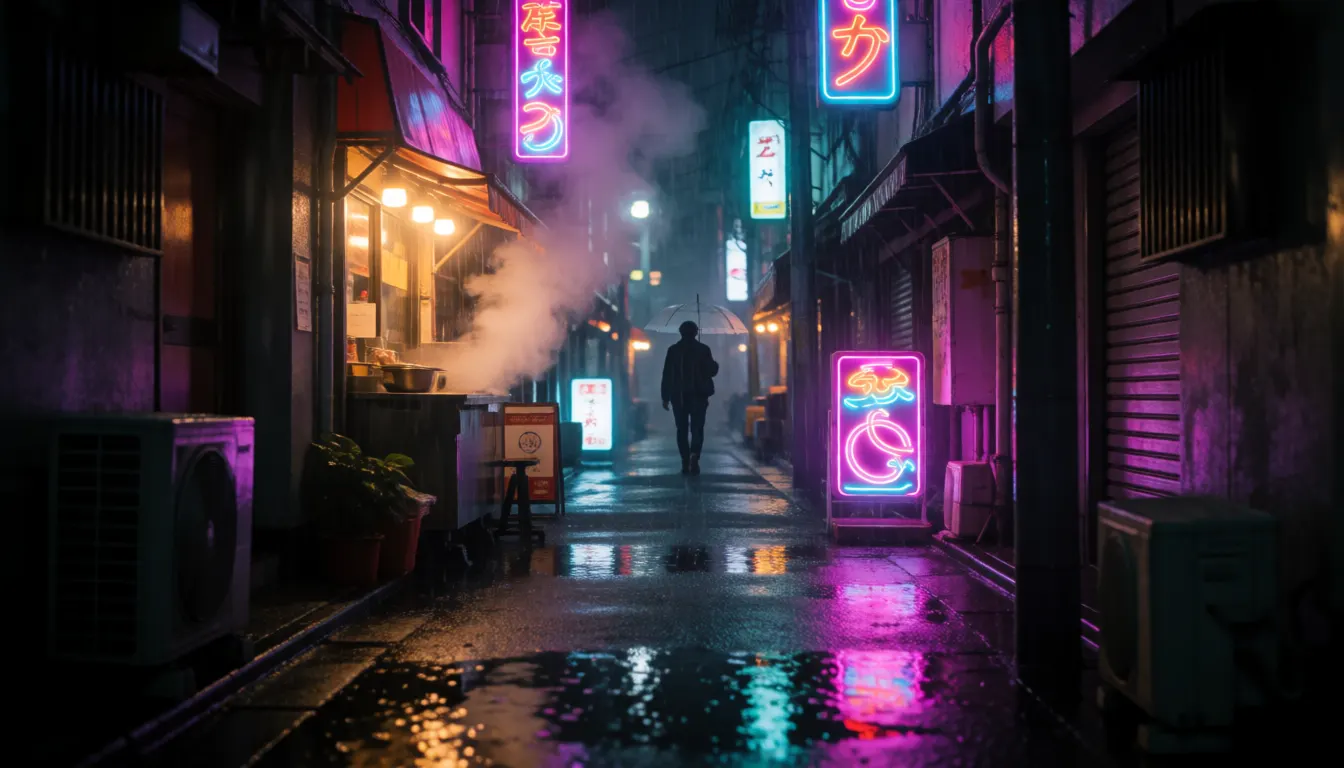
![Coastal Floodgate Winter Lighting Visualization, made with FLUX.1 Kontext [dev]](/gallery/bfl-flux-1-kontext-dev.webp) Black Forest LabsFLUX.1 Kontext [dev]Image to imageBlack Forest LabsFLUX.1 Kontext [max]Image to imageBlack Forest LabsFLUX.1.1 [pro]Text to imageBlack Forest LabsFLUX.1.1 [pro] UltraText to image
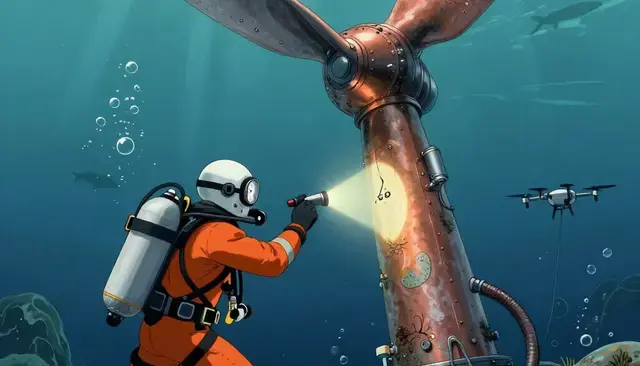
Black Forest LabsFLUX.1 Kontext [dev]Image to imageBlack Forest LabsFLUX.1 Kontext [max]Image to imageBlack Forest LabsFLUX.1.1 [pro]Text to imageBlack Forest LabsFLUX.1.1 [pro] UltraText to image![Subsea Cable Repair Feature Illustration, made with FLUX.2 [flex]](/gallery/bfl-6-1.webp) Black Forest LabsFLUX.2 [flex]Text to image
Black Forest LabsFLUX.2 [flex]Text to image![Flower Market Thriller Series Poster, made with FLUX.2 [klein] 9B KV](/gallery/bfl-flux-2-klein-9b-kv.webp) Black Forest LabsFLUX.2 [klein] 9B KVText to image
Black Forest LabsFLUX.2 [klein] 9B KVText to image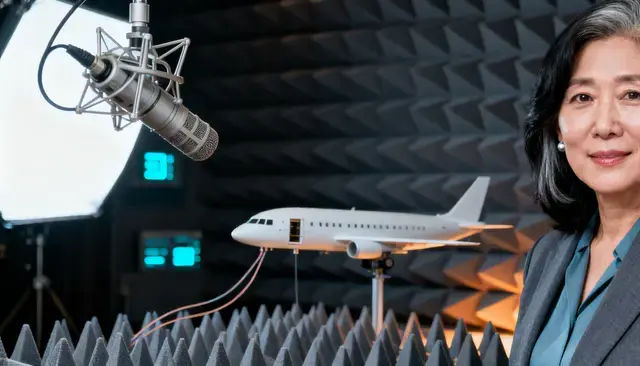
 ByteDanceSeedream 4.0Text to image
Most used
For agents
16 tools, one URL
Point Claude, Cursor or any MCP client at the server and the catalogue is theirs to search, price and run.
https://mcp.auray.ai/mcpIntroduction
Every generator here is an address you can POST to, and there are two ways to reach them.
The API is the one the rest of this documentation is about. Photos, music, video, 3D models, chat and code, each at its own URL, charged to one balance of credits. There is no private path: the desktop submits through the same route your code does.
The app runs in a browser, on a computer or a phone, over those same generators. Nothing to install, and nothing it can make that your code cannot.
TL;DR
Open the desktop at app.auray.ai, mint a key in Account → API Keys, and
POST your first job to queue.auray.run/<address>. Quickstart takes you
from there to a finished render, with every response shown as it really comes back.
#The four terms
Four words carry the whole product.
| Term | What it is |
|---|---|
| Credit | The unit of spend. One balance per account, shared by the desktop and the API. |
| Address | A model's name is its URL. auray-ai/krea-2-turbo/text-to-image is both. |
| Job | One generation. You submit it, it runs, you poll it or get a webhook. |
| Key | What authenticates a request, with its own scopes and its own monthly spend ceiling. |
#What you get
One balance, not one per product. Credits spend on whatever you make — an image, a song, a video, a mesh — from the desktop or from your own code. Nothing is charged per user, per project or per seat.
One URL scheme for every model. 401 addresses across 16 namespaces, all
reached the same way: POST queue.auray.run/<address>. No API version in the path, no model field
in the body, no per-model client — and where a maker versions a model, each version is an address of its own.
Every address describes itself. GET api.auray.ai/v1/models/<address>/openapi.json is that
model's contract, and /llms.txt beside it is the same thing written for an agent. Neither needs
a key.
Jobs that survive you. Submit and disconnect. A job keeps running, and you collect it later by polling or by webhook — signed, so you can verify it really came from us.
A key you can constrain. Scope a key to one product, cap what it may spend, and revoke it without touching the others.